

Upgrade rConfig V6 Core to V8 Core
After reading this page, I can upgrade an existing rConfig V6 Core installation to V8 Core using the automated migration script. You will back up your system, run the upgrade on CentOS, RHEL, Rocky, AlmaLinux, or Ubuntu, and verify that devices, configurations, and users carried across.
When to use this
Section titled “When to use this”Use this guide when you already run rConfig V6 Core at /var/www/html/rconfig and want to move to V8 Core in place, keeping your existing database, devices, and users. If you are building a fresh server instead, follow the V8 Core installation guide.
Prerequisites
Section titled “Prerequisites”- Root access to the server
- A working rConfig V6 Core installation at
/var/www/html/rconfig - Git installed with the repository initialised
- PHP 8.4, or the ability to upgrade (the script handles this automatically)
- Database credentials accessible in the
.envfile - A recent, tested manual backup of the system and database
Supported operating systems
Section titled “Supported operating systems”- Rocky Linux 9.x or higher
- AlmaLinux 9.x or higher
- CentOS Stream 9 or higher
- RHEL 9.x or higher
- Ubuntu 20.04 or higher
Step-by-step walkthrough
Section titled “Step-by-step walkthrough”1. Create manual backups
Section titled “1. Create manual backups”Dump the database and archive the rConfig directory, then confirm both files exist.
# Backup databasemysqldump -u YOUR_DB_USER -p YOUR_DATABASE > /root/rconfig-backup-$(date +%Y%m%d).sql
# Backup rConfig directorytar -czf /root/rconfig-backup-$(date +%Y%m%d).tar.gz /var/www/html/rconfig
# Verify backups existls -lh /root/rconfig-backup-*
2. Verify database credentials
Section titled “2. Verify database credentials”Confirm the credentials in .env connect to the database before the script relies on them.
cd /var/www/html/rconfigsource .envmysql -u"$DB_USERNAME" -p"$DB_PASSWORD" -h"$DB_HOST" "$DB_DATABASE" -e "SHOW TABLES;"3. Verify Git repository status
Section titled “3. Verify Git repository status”Check the current branch and commit any local modifications you want to preserve.
cd /var/www/html/rconfig
# Check current branchgit branch
# Check for uncommitted changesgit status
# Commit local modifications you want to keepgit add .git commit -m "Local changes before v8 upgrade"
4. Run the upgrade script
Section titled “4. Run the upgrade script”Download the migration script, make it executable, and run it with sudo. The steps differ only by package manager, so use the tab for your platform.
cd /rootwget https://dl.rconfig.com/downloads/upgrade-v6-to-v8-core.sh -O upgrade-v6-to-v8-core.shchmod +x upgrade-v6-to-v8-core.shsudo ./upgrade-v6-to-v8-core.shcd /rootwget https://dl.rconfig.com/downloads/upgrade-v6-to-v8-core.sh -O upgrade-v6-to-v8-core.shchmod +x upgrade-v6-to-v8-core.shsudo ./upgrade-v6-to-v8-core.sh5. Confirm the upgrade prompt
Section titled “5. Confirm the upgrade prompt”The script summarises what it will do and asks you to confirm.
⚠️  IMPORTANT WARNINGS ⚠️━━━━━━━━━━━━━━━━━━━━━━━━━━━━━━━━━━━━━━━━━━━━━━━━━━━━━━━━━━━━
This script will:  1. Backup your database, .env file, and storage  2. Upgrade PHP to 8.4 (if needed)  3. Upgrade rConfig v6 → v8  4. Create new .env from .env.example with your DB settings  5. Setup Apache and Supervisor
Backup location: /root/rconfig-v6-backup-TIMESTAMPLog file: /var/log/rconfig-upgrade-TIMESTAMP.log
⚠️  DO NOT INTERRUPT THIS PROCESS ⚠️
Have you backed up your system? (yes/no):
Type yes and press Enter to continue.
6. Wait for the success summary
Section titled “6. Wait for the success summary”On completion the script prints a summary with the backup location and log file path.
╔════════════════════════════════════════════════════════════════╗║                                                                ║║               ✅ UPGRADE COMPLETED SUCCESSFULLY! ✅              ║║                                                                ║╚════════════════════════════════════════════════════════════════╝
Upgrade Summary:━━━━━━━━━━━━━━━━━━━━━━━━━━━━━━━━━━━━━━━━━━━━━━━━━━━━━━━━━━━━  ✓ Upgraded from: rConfig v6 Core  ✓ Upgraded to:   rConfig v8 Core  ✓ Backup location: /root/rconfig-v6-backup-TIMESTAMP  ✓ Log file: /var/log/rconfig-upgrade-TIMESTAMP.log
Next Steps:━━━━━━━━━━━━━━━━━━━━━━━━━━━━━━━━━━━━━━━━━━━━━━━━━━━━━━━━━━━━  1. Access rConfig v8:     http://your-server.domain.com
  2. Login with your existing credentials
  3. Verify your devices and configurations
7. Access rConfig V8 Core
Section titled “7. Access rConfig V8 Core”Open your rConfig URL in a browser. You should see the V8 Core interface.
http://your-server.domain.com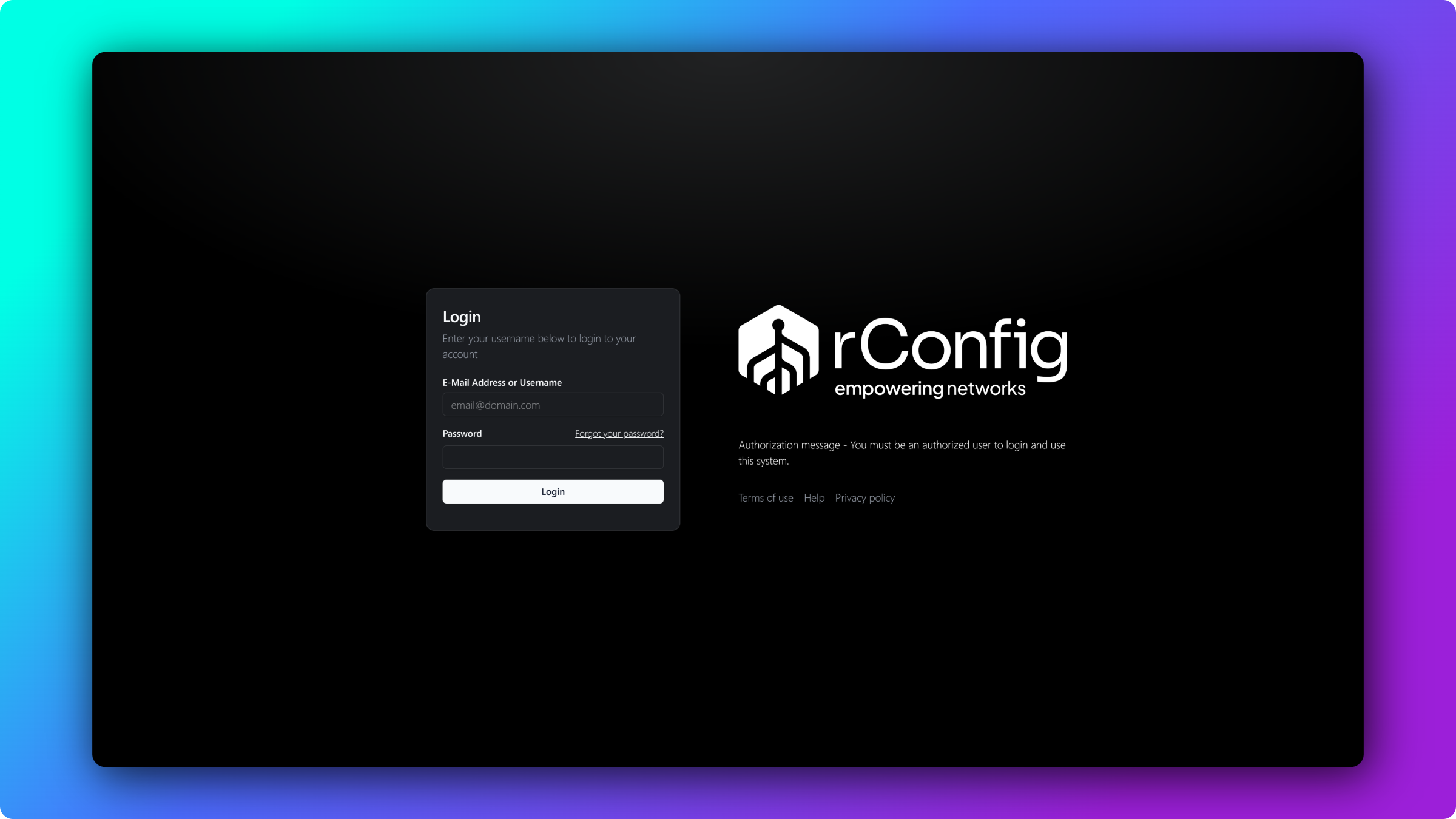
8. Log in and verify your data
Section titled “8. Log in and verify your data”Log in with your existing V6 Core credentials. All users, roles, and permissions are preserved. Then confirm your data carried across:
- Devices: all network devices are present in inventory
- Configurations: device configurations are accessible
- Scheduled tasks: polling tasks are active
- Users: all user accounts are accessible
- Tags and categories: organisational structure is intact
Troubleshooting
Section titled “Troubleshooting”Why does the application show an HTTP 500 error?
Section titled “Why does the application show an HTTP 500 error?”The application loads but returns an HTTP 500 error. This is usually OAuth key permissions. Fix the keys, clear the cache, and restart services.
cd /var/www/html/rconfig
# Fix OAuth key permissionschmod 600 storage/oauth-private.keychmod 600 storage/oauth-public.keychown apache:apache storage/oauth-*.key  # RHEL/CentOS/Rocky# ORchown www-data:www-data storage/oauth-*.key  # Ubuntu
# Clear application cachephp artisan rconfig:clear-all
# Restart servicessystemctl restart httpd      # RHEL/CentOS/Rockysystemctl restart apache2    # Ubuntusystemctl restart supervisord
Why does the page load with no data?
Section titled “Why does the page load with no data?”The interface loads but devices or configurations are missing. Check for pending migrations and run them.
cd /var/www/html/rconfig
# Verify database migrationsphp artisan migrate:status
# Run migrations if any are pendingphp artisan migrate --force
# Check application logstail -100 storage/logs/laravel.log
Why does the script fail with a PHP version error?
Section titled “Why does the script fail with a PHP version error?”The script reports a PHP compatibility error. Run the PHP update script for your platform, then re-run the upgrade.
cd /tmpwget https://dl.rconfig.com/downloads/php-updates/centos-php8-update.shchmod +x centos-php8-update.shsudo ./centos-php8-update.sh
# Verify PHP versionphp -vcd /tmpwget https://dl.rconfig.com/downloads/php-updates/ubuntu-php8-update.shchmod +x ubuntu-php8-update.shsudo ./ubuntu-php8-update.sh
# Verify PHP versionphp -vFor a full walkthrough of the PHP upgrade on its own, see the PHP update guide.
Why does the script fail at the database step?
Section titled “Why does the script fail at the database step?”The script stops at database verification. Confirm the .env credentials and test the connection manually.
# Verify .env file contains correct credentialscat /var/www/html/rconfig/.env | grep DB_
# Test database connection manuallycd /var/www/html/rconfigsource .envmysql -u"$DB_USERNAME" -p"$DB_PASSWORD" -h"$DB_HOST" "$DB_DATABASE" -e "SELECT VERSION();"
# If connection fails, update .env with correct credentialsnano /var/www/html/rconfig/.envRollback procedures
Section titled “Rollback procedures”If you must return to V6 Core, restore from the backup the script created.
# Stop servicessystemctl stop httpd supervisord      # RHEL/CentOS/Rocky# ORsystemctl stop apache2 supervisor     # Ubuntu
# Restore database from backupmysql -u YOUR_DB_USER -p YOUR_DATABASE < /root/rconfig-v6-backup-TIMESTAMP/rconfig-database.sql
# Restore .env filecp /root/rconfig-v6-backup-TIMESTAMP/.env /var/www/html/rconfig/.env
# Restore storage directoryrm -rf /var/www/html/rconfig/storagecp -a /root/rconfig-v6-backup-TIMESTAMP/storage /var/www/html/rconfig/
# Checkout V6 branchcd /var/www/html/rconfiggit checkout main  # Or your V6 branch name
# Reinstall V6 dependenciescomposer install --no-dev --optimize-autoloader
# Clear cachephp artisan config:clearphp artisan cache:clear
# Restart servicessystemctl start httpd supervisord      # RHEL/CentOS/Rocky# ORsystemctl start apache2 supervisor     # Ubuntu
Common gotchas
Section titled “Common gotchas”Getting help
Section titled “Getting help”When raising an issue, gather these first so support can diagnose quickly:
- Upgrade log:
/var/log/rconfig-upgrade-TIMESTAMP.log - Laravel application log:
/var/www/html/rconfig/storage/logs/laravel.log - Operating system and version:
cat /etc/os-release - PHP version:
php -v - Git branch information:
cd /var/www/html/rconfig && git branch
Community support is available on the rConfig GitHub Discussions and you can report bugs on GitHub Issues.
What’s next
Section titled “What’s next”- Update an existing V8 Core install for routine version updates after this upgrade.
- Add and manage devices to confirm your migrated inventory and connection details.
- Run configuration backups to verify polling works against your devices on V8 Core.